Tune every effect live
Drag any component's real props and watch the WebGL preview respond instantly, no code, no guessing at ranges. Land on something you like, then copy it straight into your project.
Open the editor →Drag any component's real props and watch the WebGL preview respond instantly, no code, no guessing at ranges. Land on something you like, then copy it straight into your project.
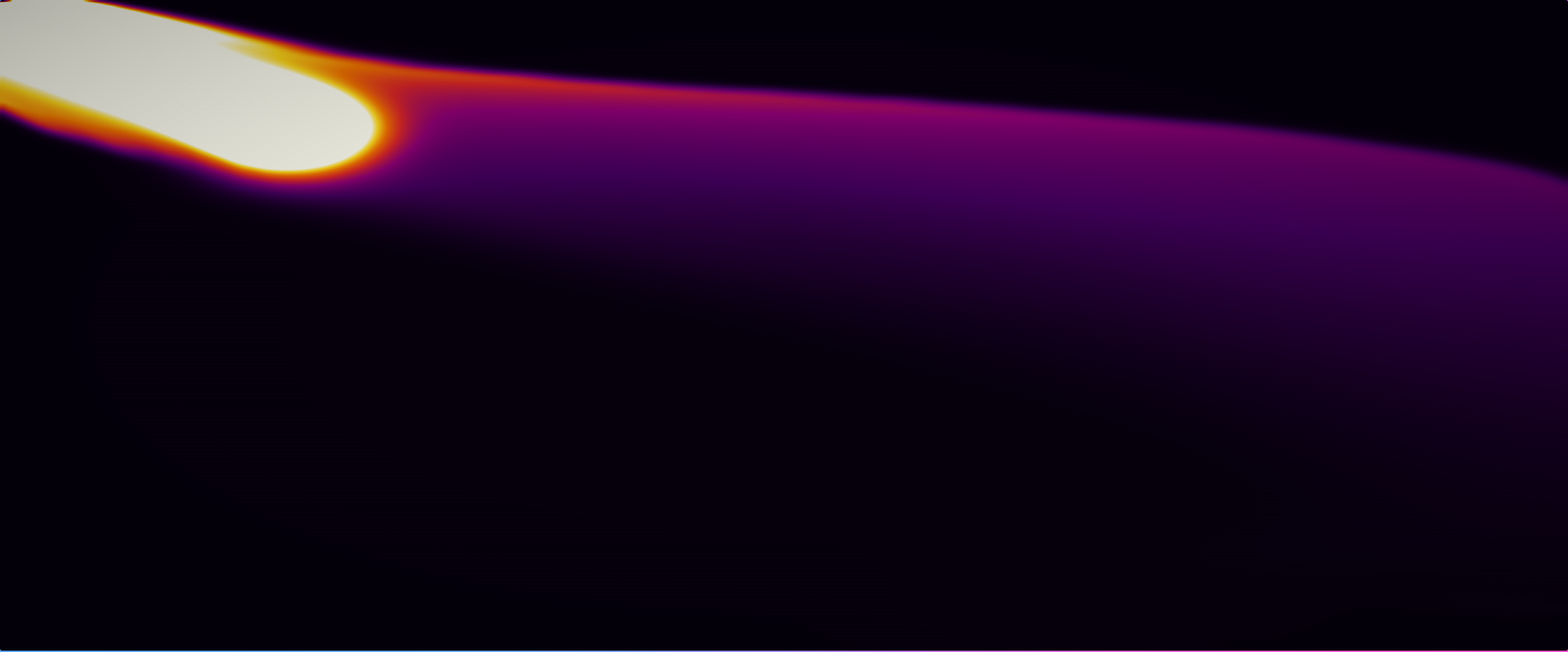
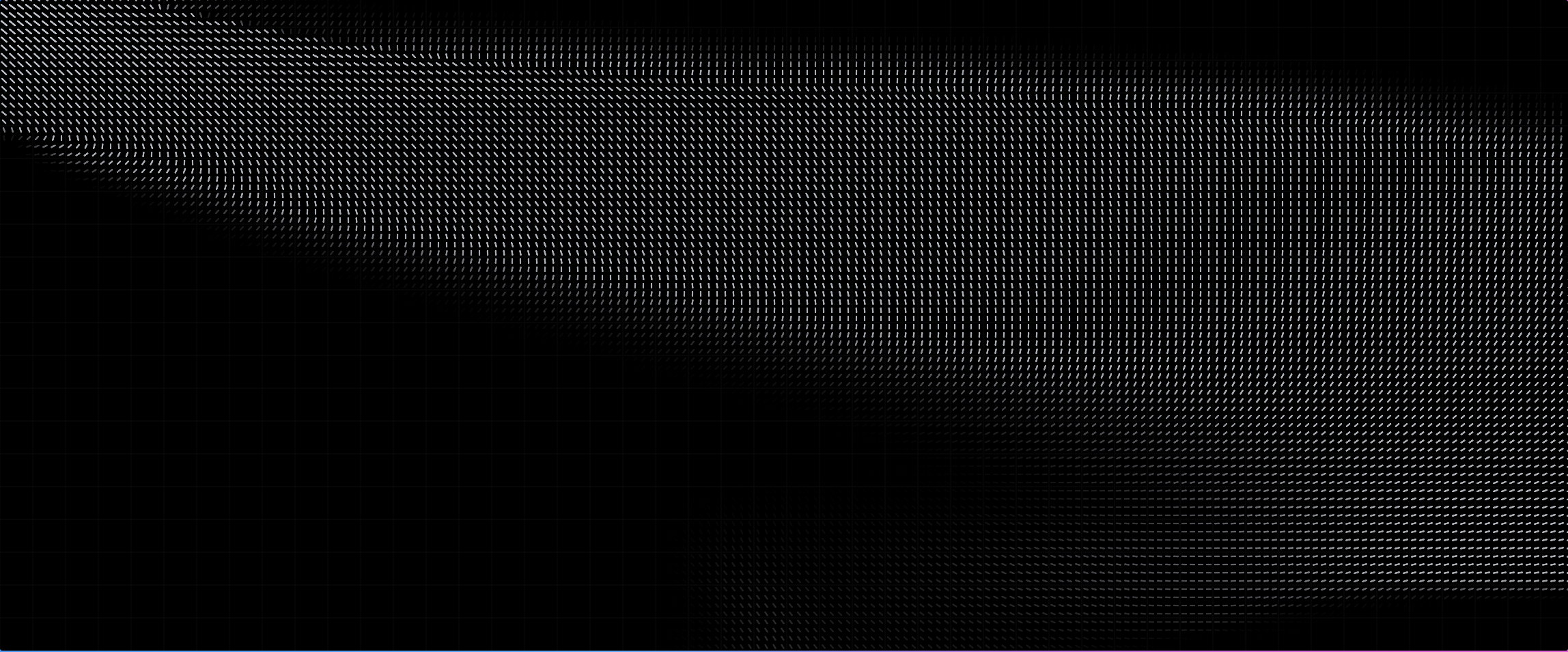
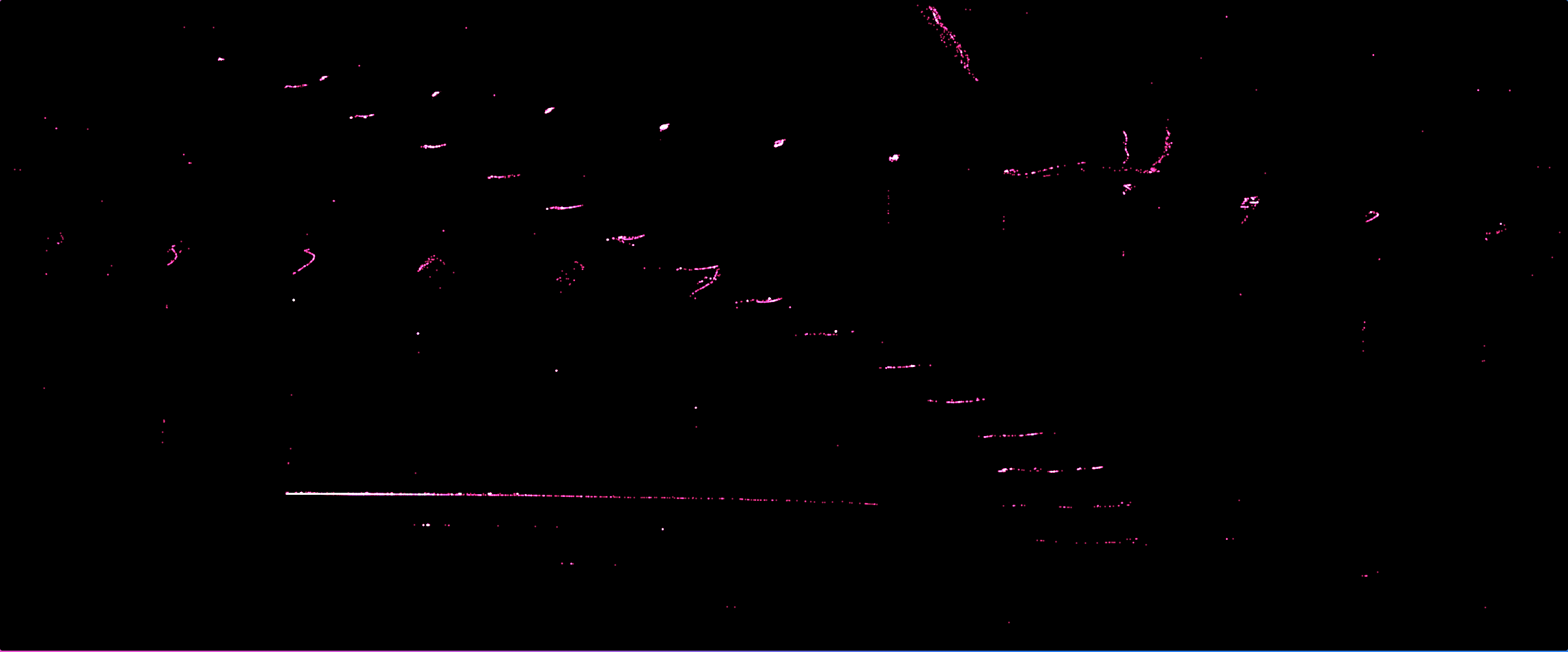
Open the editor →A sample of the catalog: every preview below is the real, live component, not a video.
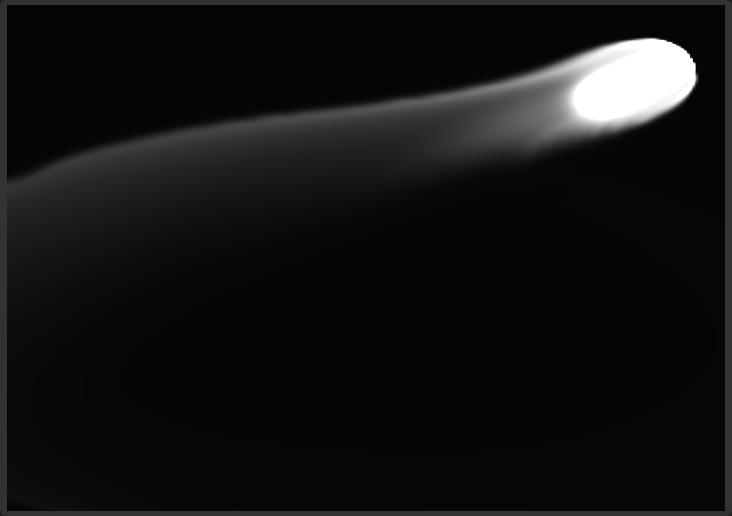
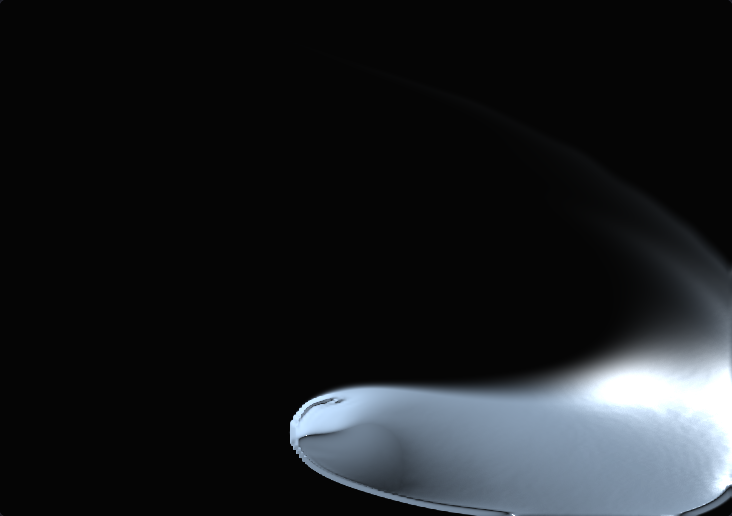


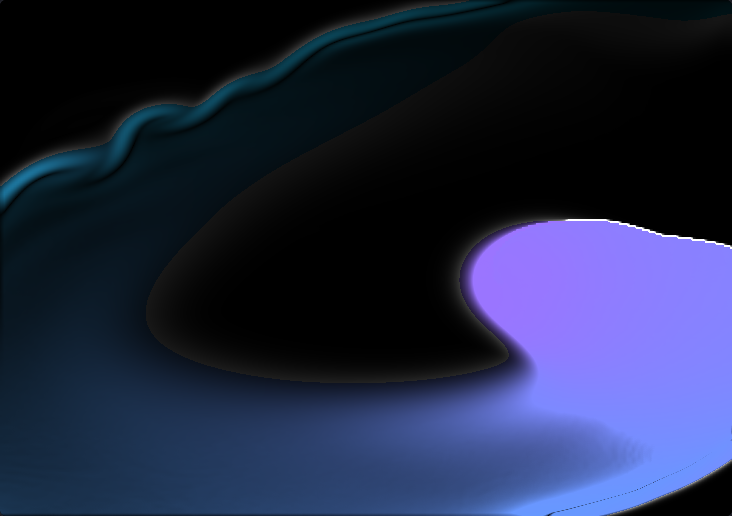

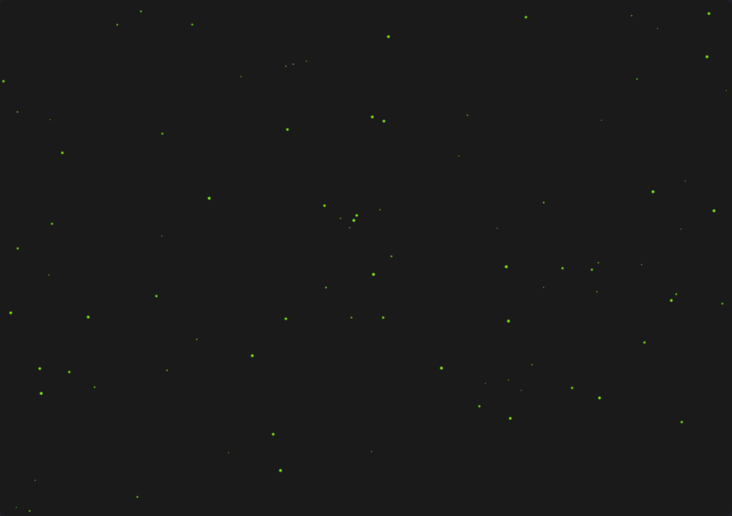


Install it yourself in three lines, or let an MCP-connected agent pull the exact source straight into your project.
No shader boilerplate, no uniform plumbing. Install, import, render.
Add the package to your project in seconds.
npm install creativeuiBring in the component you need.
import { Fluid } from 'creativeui'Use it in your canvas, ready to go.
<Canvas>
  <Fluid />
</Canvas>Two tools, search_components and get_component, so your agent can search the whole catalog and pull exact, real source by id, straight into your project. No hallucinated props, no guessed imports.
One command detects your agent and connects it to the hosted server.
npx creativeui install-mcpDescribe the effect you want, your agent searches the real catalog.
Find me a particle effect for a landing page heroReal, working source lands in your project, not a hallucinated API.
import { FireflySwarm } from 'creativeui'Start on Hobby. Upgrade whenever you want the full catalog and source access in one place.
$0 forever
npm install creativeuiCancel anytime
One-time payment, yours forever